Start with Libro · 4 min
Create and access your account
Sign up for Libro, verify your email, sign in securely, and recover access when needed.
Create an account
Open Libro and choose Sign up. Enter the name you want teammates to recognize, an email address you can access, and a strong password. Submit the form, then open the verification message Libro sends to that address. You must verify the email before email-and-password Sign in is available.
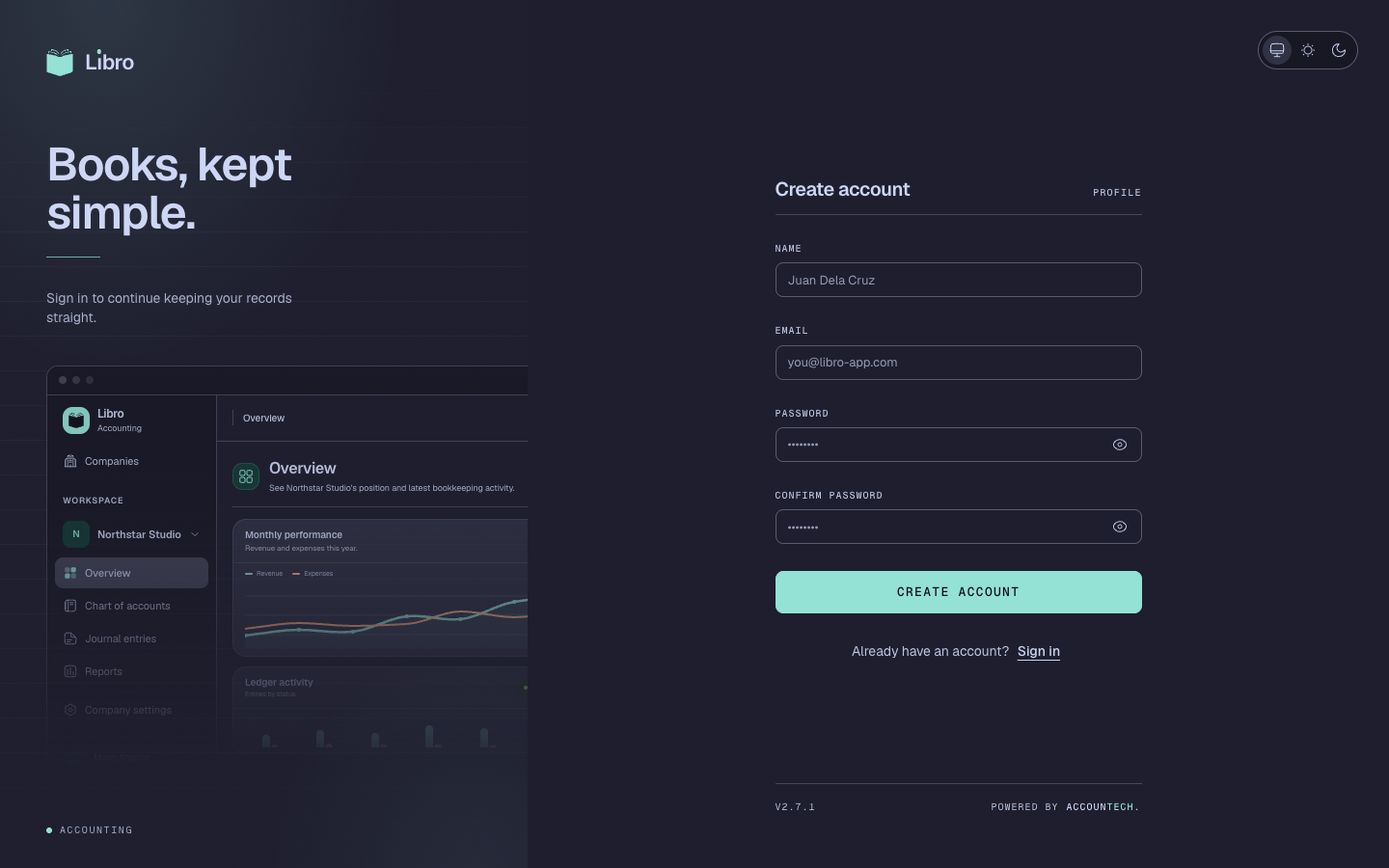
If you use a supported identity provider, choose it on the sign-in screen and complete its consent flow. Use the same method on future visits so you do not accidentally create a second identity.
Sign in and recover access
From Sign in, enter the verified email and password. If the password is lost, choose Forgot password, submit the account email, and use the time-limited link in the recovery message. Set a password that is unique to Libro.
Never share a verification or password-reset link. Libro support will not ask for your password.
After sign-in, Libro opens the company directory. Continue with Choose or create a company.