Protect or close your data · 5 min
Back up and restore a company
Create a portable company backup and understand how restoration affects current data.
Download a backup
Open Company settings → Data & backup and create a backup. Libro downloads a JSON file containing the supported company data at that moment.
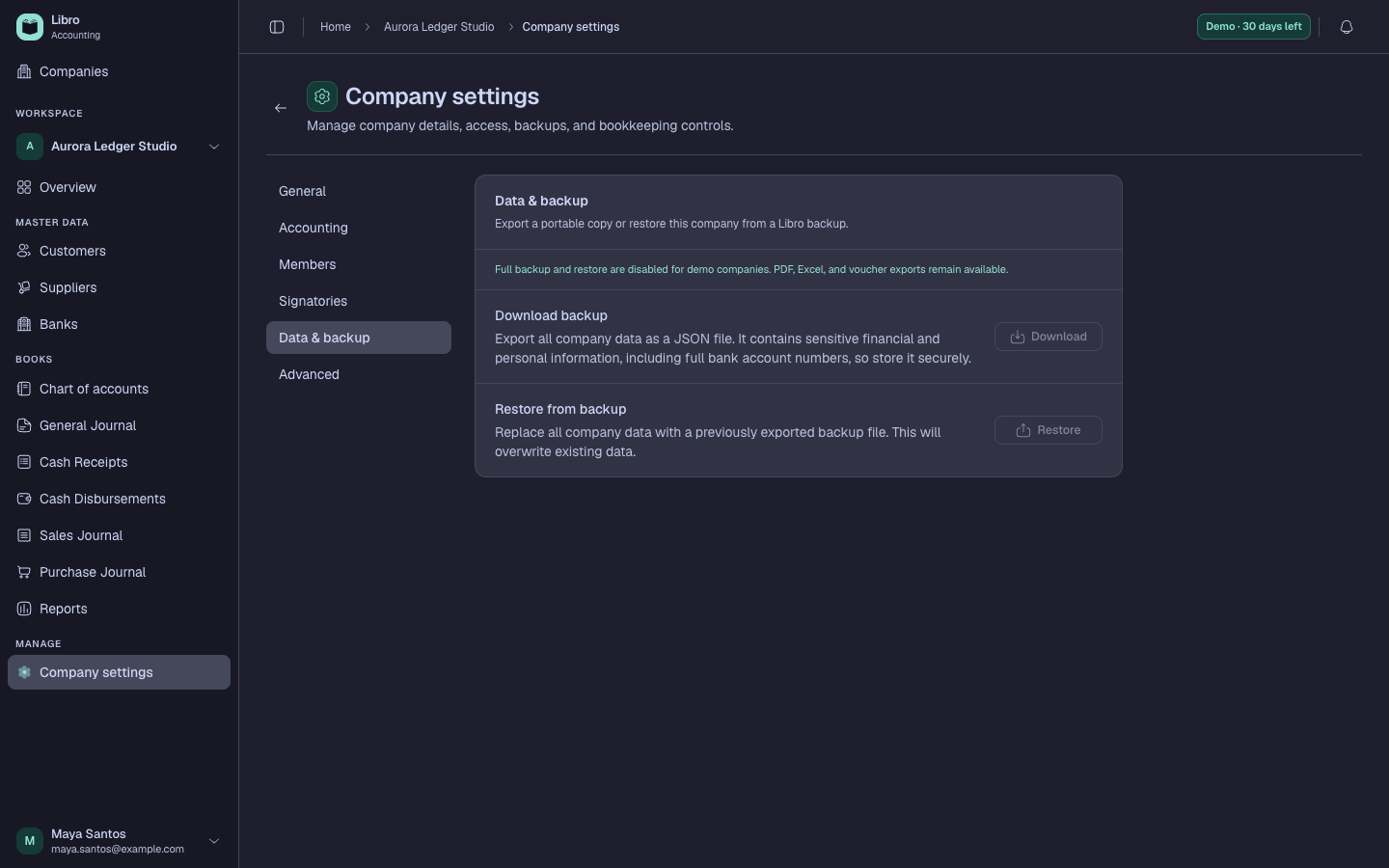
Store the file in an access-controlled location. Include the company and date in its filename, and follow your retention policy. Because accounting data can contain personal and financial information, do not email an unencrypted backup casually.
Plan a restore
A restore can replace or reintroduce structured company information. Verify the target company, inspect the backup date, and make a fresh backup of the current state first. Keep users out of the workspace while the responsible owner performs and validates the restore.
After restore, reconcile record counts, the Trial Balance, customer and supplier balances, and recent activity. A JSON backup is for Libro data portability; it is not a substitute for exported financial statements or source documents.