Record business activity · 7 min
Use the general journal
Create balanced entries and control when they begin affecting the books.
Create a balanced entry
Open General Journal and choose New entry. Add the accounting date, a useful reference, a concise description, and at least two account lines. Total debits must equal total credits before the entry can be posted.
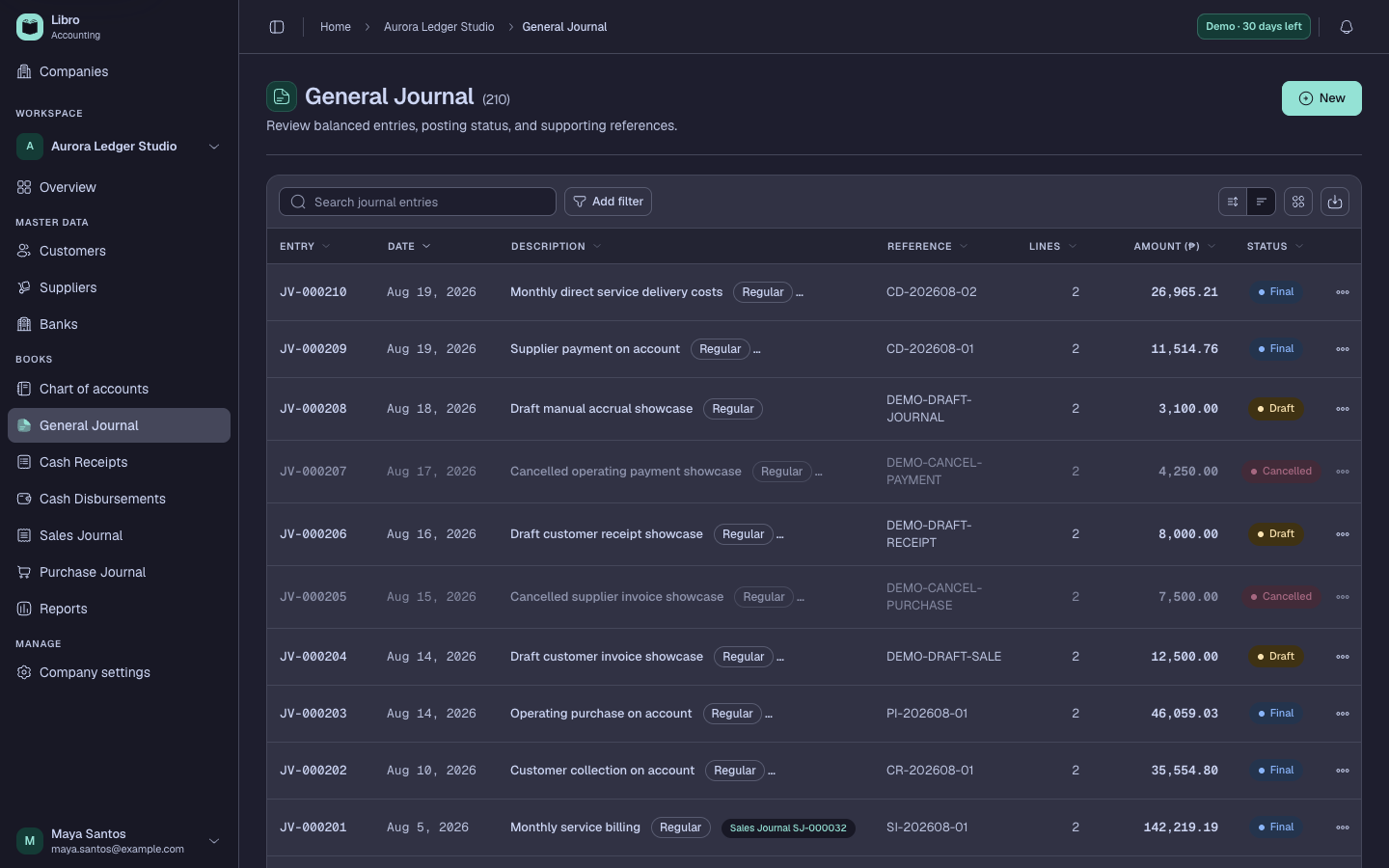
Use the general journal for adjustments, accruals, corrections, and activity that does not belong in a specialized cash, sales, or purchase journal.
Move through the status lifecycle
- Draft can be reviewed and edited without affecting reports.
- Posted affects ledgers and financial reports.
- Final is locked as completed accounting work.
- Cancelled is retained for history but excluded from balances.
Before posting, confirm the company, date, reference, account direction, and supporting document. Prefer a correcting entry over silently rewriting finalized accounting history.
Open an entry to see its lines and Record history. That history helps explain who changed status and when.