Start with Libro · 6 min
Set up a company
Create a workspace with the identity and accounting choices that fit the business.
Add the company identity
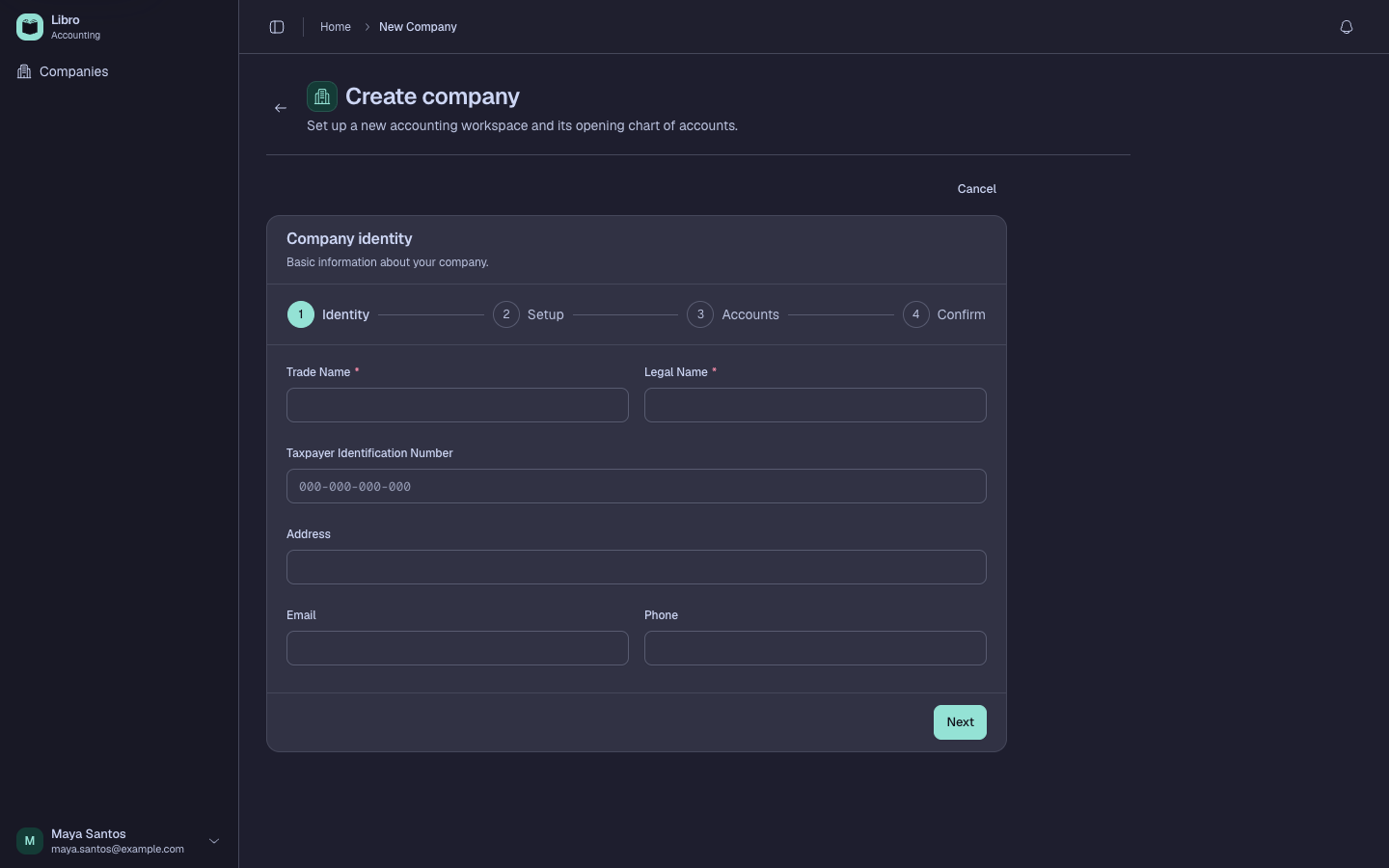
Choose New company, then enter the display name and registered name. Add the TIN, address, email, and phone when they are available. These details can appear on exports, so use the business records rather than informal abbreviations.
Choose the accounting model
Select the legal structure, business type, bookkeeping method, fiscal year end, and currency. The bookkeeping method affects the entire workspace:
- Double entry uses balanced debits and credits, journals, ledgers, and full financial statements.
- Single entry focuses on cash-in and cash-out records for a simpler workflow.
Quick Setup applies common defaults, but review every choice before creating the workspace. Legal structure and business type help Libro prepare a suitable chart of accounts. Currency controls how monetary values display; it is not a live exchange-rate setting.
For double-entry books, select the optional account modules the company needs. Libro previews the accounts it will create. After you choose Create company, continue with Configure the books.