Review and share · 4 min
Export and print reports
Create a workbook or PDF that preserves the reporting context reviewers need.
Prepare the output
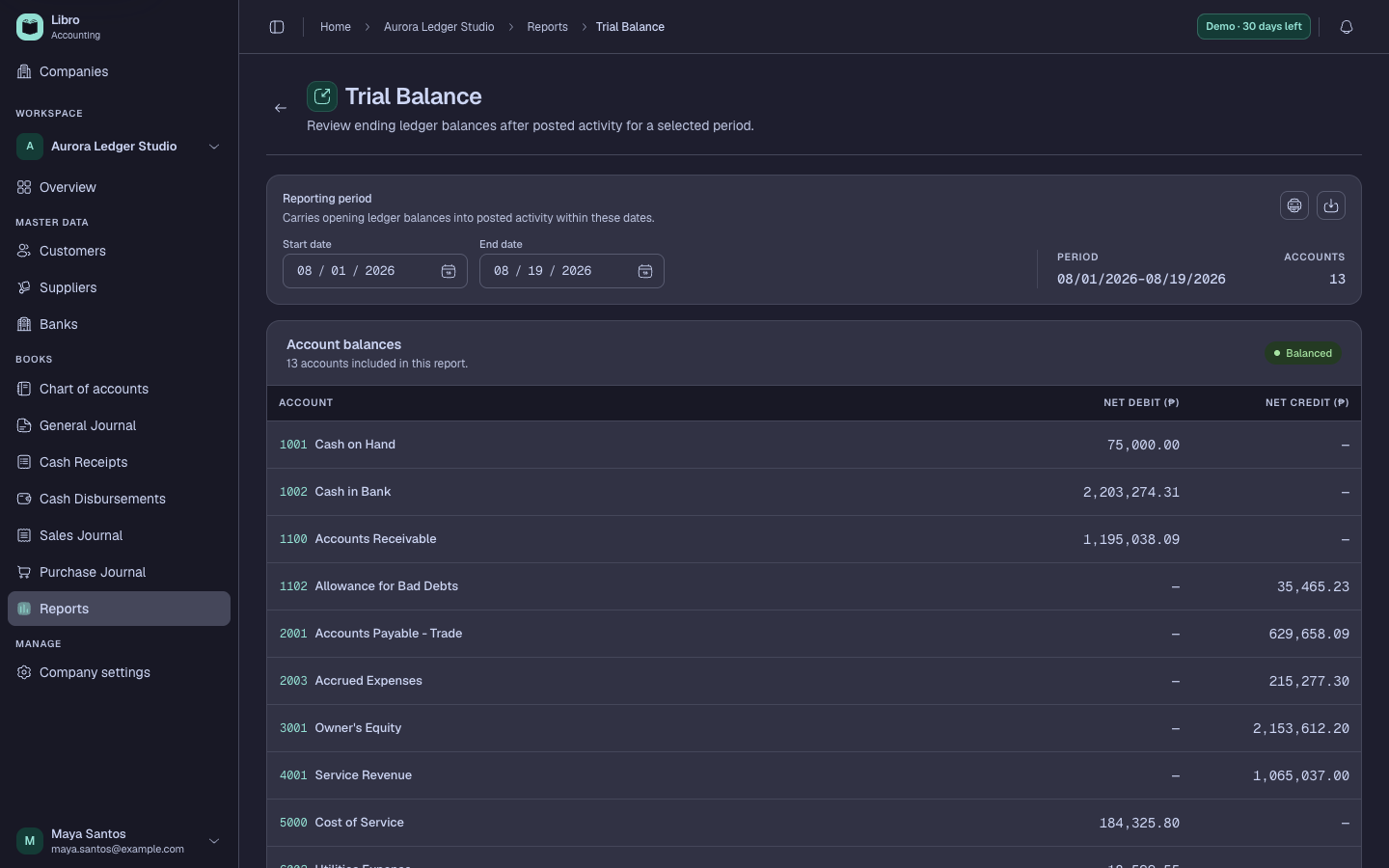
Open the report, select the company and reporting period, and review the on-screen total before exporting. Choose the workbook option when the recipient needs sortable or analyzable detail. Choose PDF when you need a fixed presentation for review or filing.
Print clearly
Open the PDF or the browser print flow and inspect print settings before saving or printing. Confirm paper size, orientation, scale, margins, and whether background graphics are appropriate. Long tables may work better in landscape.
Keep the report title, company name, currency, period, and generation date visible. Name downloaded files consistently, such as aurora-trial-balance-2026-06-30.pdf, so a reviewer can distinguish versions without opening each one.
An export is a snapshot. If the books change later, generate a new file instead of assuming the old workbook or PDF updated itself.