Review and share · 7 min
Use reports and analytics
Turn posted activity into financial statements, cash analysis, and operating context.
Choose the report for the question
Open Reports to find the Trial Balance, Income Statement, Balance Sheet, Statement of Cash Flows, and cash receipts and disbursements analysis available to the company.
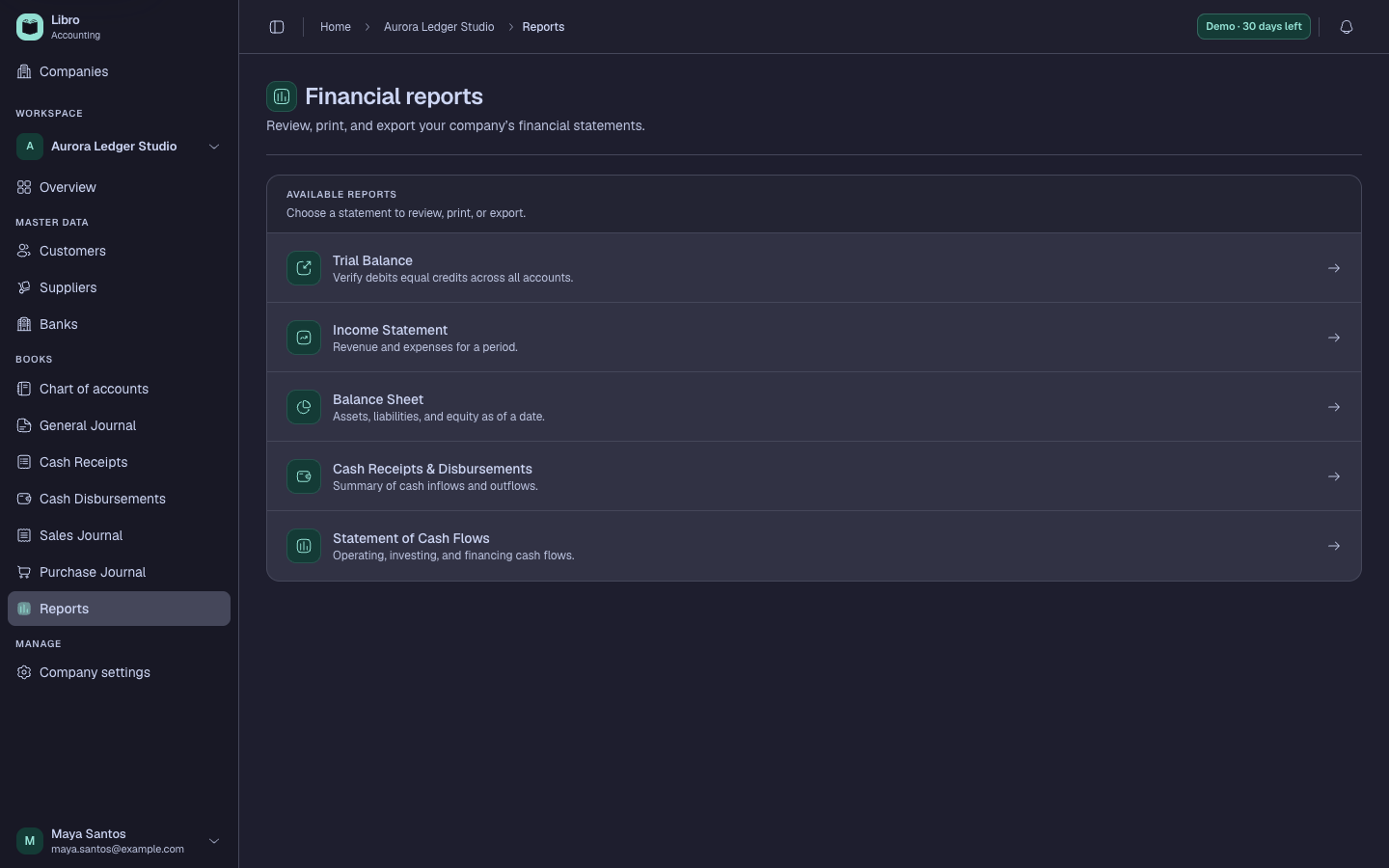
- Trial Balance checks account balances and debit-credit agreement at a cutoff.
- Income Statement explains performance across a period.
- Balance Sheet presents assets, liabilities, and equity at a date.
- Statement of Cash Flows explains cash movement by activity.
- Cash reports group receipts and disbursements by non-cash counterpart accounts and distinguish cash-to-cash transfers.
Use filters deliberately
Set the date or period before interpreting a result. Only activity with a reportable status is included. If the dashboard and a formal report seem different, confirm that they use the same company, date range, status rules, and accounting method.
Dashboard analytics are useful for orientation. Use the formal report and its drill-down detail for review, reconciliation, and sharing.