Review and share · 5 min
Invite a team and assign roles
Give each collaborator enough access to work without granting unnecessary control.
Choose the role
Open Company settings → Members and choose Invite member. Enter the collaborator’s email and assign the narrowest role that supports their work.
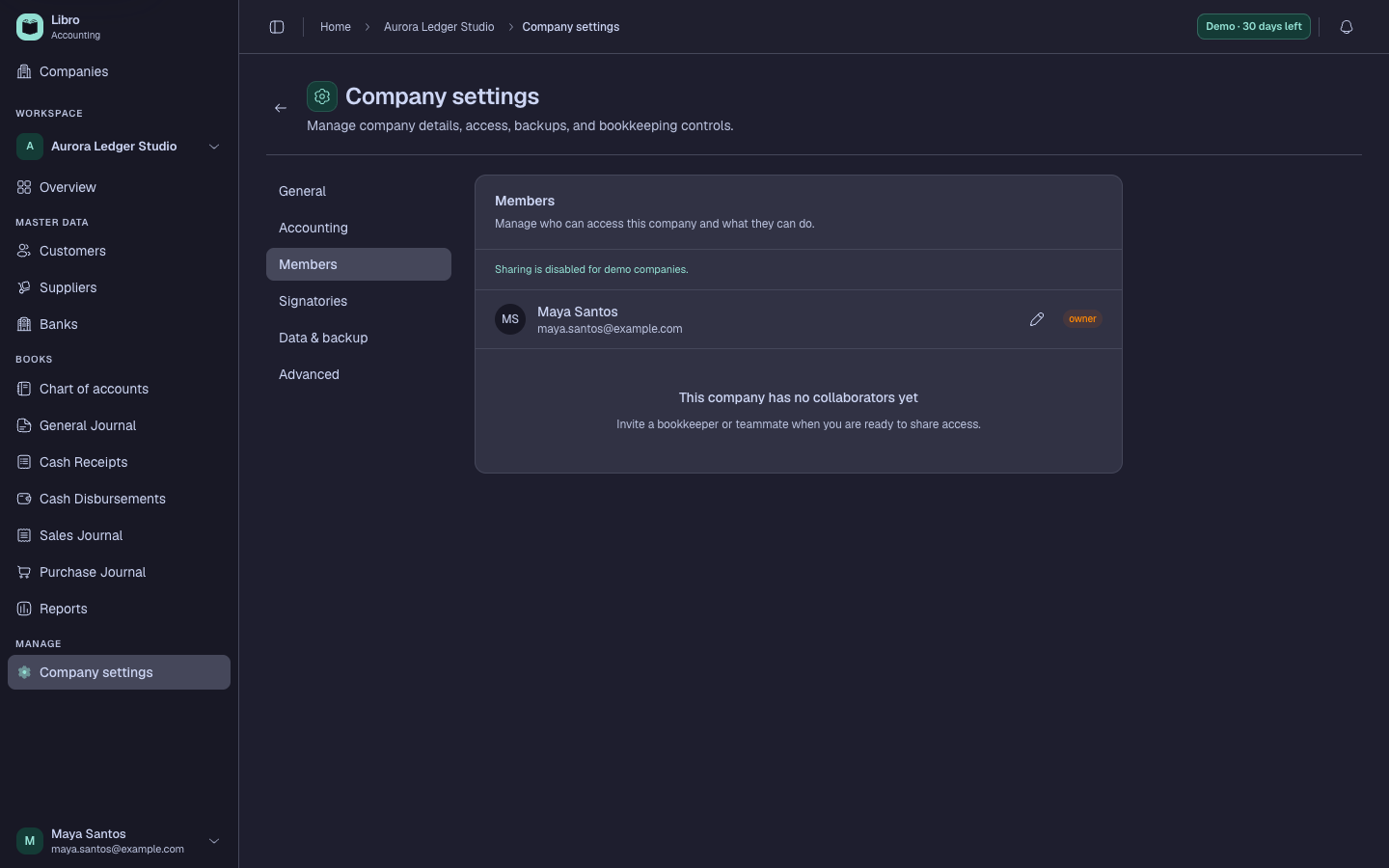
- Owner controls the company, its access, and destructive company actions.
- Admin manages broad company configuration and people.
- Editor records and updates bookkeeping work without ownership control.
- Viewer reads permitted records and reports without editing them.
Manage access over time
The invitation remains pending until the recipient accepts it with the intended Libro account. Verify the email before sending. Review membership when responsibilities change, someone leaves, or an external engagement ends.
Personal account access and company membership are separate. Removing a member from one company does not delete their Libro account or remove access to other companies.