Manage Libro · 4 min
Choose a plan and manage billing
Compare Libro plans and keep subscription ownership and payment details clear.
Compare plans
Open Billing from your account settings. Libro offers Free, Pro, and Max plans with different limits and capabilities. Compare the current plan page for the authoritative feature and usage details before upgrading.
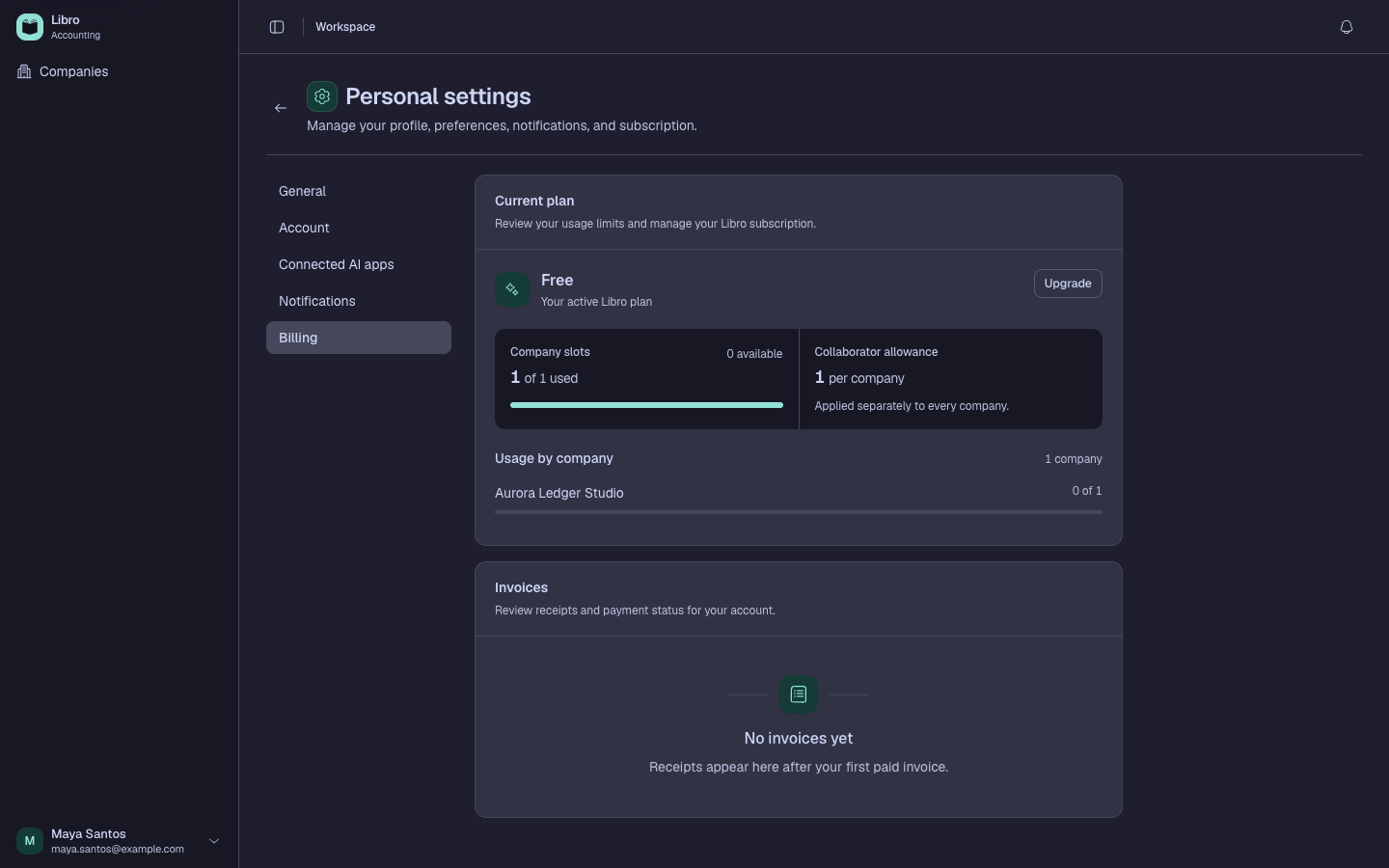
Choose a plan based on the number of companies, collaborators, and workflows you actually need. Confirm whether the subscription belongs to the account or company context shown in the checkout flow.
Manage the subscription
Keep the billing contact and payment method current. Save invoices or receipts according to your business record policy. Before downgrading, review whether current usage exceeds the target plan’s limits and export any data your team needs.
Plan changes affect product access; they do not replace accounting backups. Use Back up and restore a company for a portable data copy.