Configure your books · 6 min
Configure the books
Set the accounting start date and connect journal classifications to the right ledger roles.
Set the accounting boundary
Open Company settings → Accounting and review the accounting start date. Libro uses this boundary to separate opening information from normal activity. Agree on the date with the person responsible for the prior records before adding transactions.
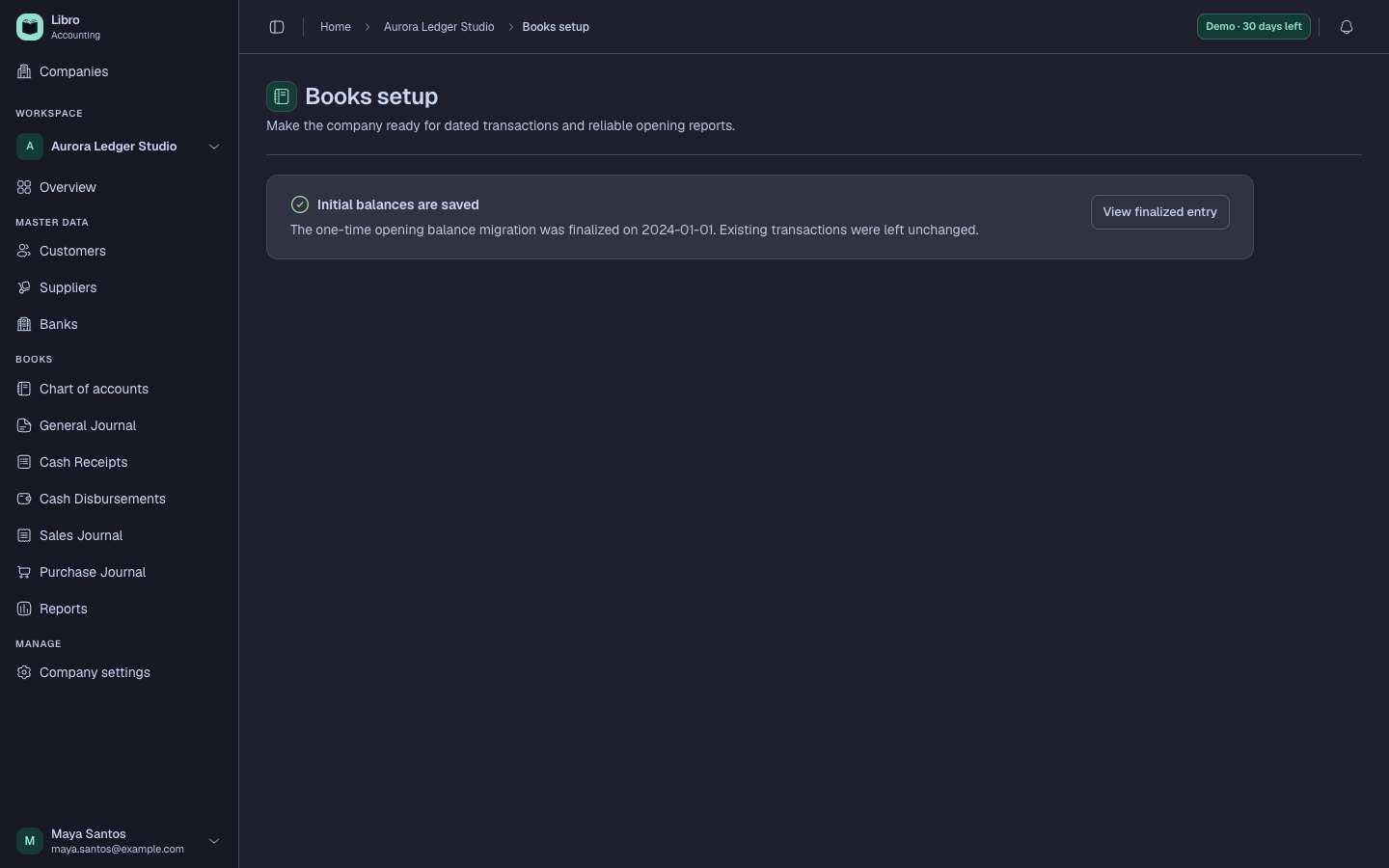
Review journal and ledger setup
Journal classifications determine which account roles are available to operational journals. Ledger roles connect accounts to special behavior such as cash, receivables, payables, sales, purchases, and retained results.
Check that each required role points to the intended account before recording. A wrong mapping can place an otherwise balanced entry in the wrong ledger or report.
Configure the accounting start date, journal classifications, and ledger roles before importing balances. Changing them later does not automatically reclassify historical work.
Continue with the chart of accounts, then enter opening balances.