Configure your books · 8 min
Configure VAT and withholding
Set company tax registration, accounting defaults, ATCs, and transaction deductions.
Before you start
Confirm the company’s BIR registration, effective date, and the accounts used for input VAT, output VAT, creditable withholding tax, and withholding tax payable. Keep the source certificate or transaction document available when applying a deduction.
Configure and use tax controls
- Open Company settings → Accounting and confirm VAT-registered or Non-VAT matches the company registration.
- If the status changed, enter the correct effective date so reports can distinguish activity before and after the change.
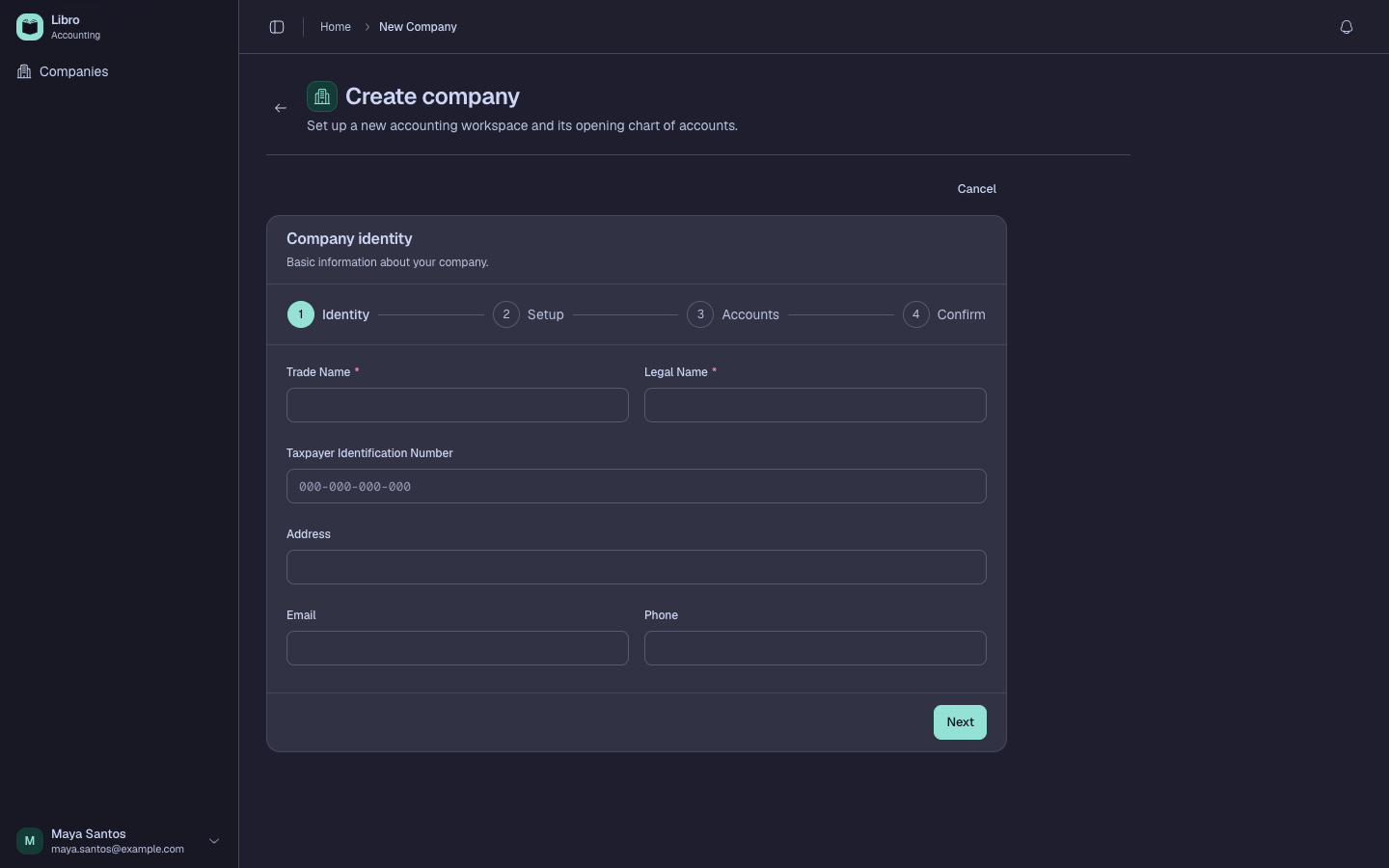
- Map the input VAT, output VAT, creditable withholding tax, and withholding tax payable defaults to the intended Chart of accounts entries.
- Open a Sales, Purchase, Cash Receipt, or Cash Disbursement record and enter the source document amounts before adding deductions.
- Add withholding only when the document supports it, then choose the applicable alphanumeric tax code (ATC) and verify the calculated amount.
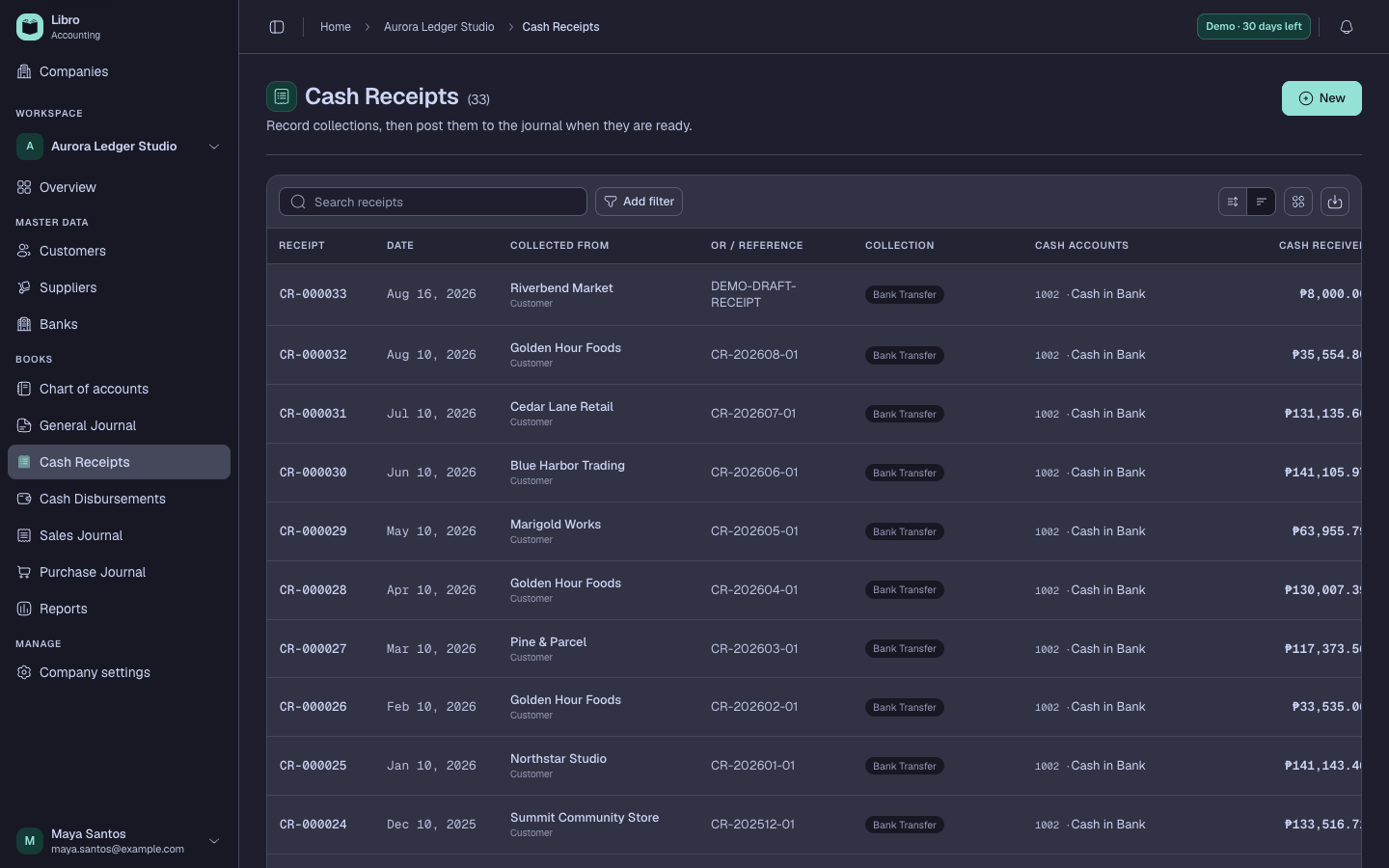
- Review the gross amount, VAT treatment, withholding or other deductions, and net cash or receivable/payable effect together.
- Save as Draft, compare the accounting preview with the source document, then post only after the tax accounts and ATC are correct.
Check your work
Open the posted record and confirm the VAT and withholding lines use the configured accounts. The related ledger and report totals should agree with the record’s accounting preview and source document.
Common mistakes
- Treating VAT registration as a transaction-level toggle instead of a company registration history.
- Selecting an ATC by rate alone without checking the transaction type and certificate.
- Entering withholding as an expense or discount, which changes the economic meaning.
When in doubt about tax treatment, confirm it with the company’s accountant or tax adviser before posting.